Guthly + Samsung Health: Galaxy Ecosystem Meets Habit Tracking
Sync your Samsung Health data — steps, sleep, heart rate, stress — with Guthly's habit tracking and workout logging for a complete wellness picture.
Guthly Team
Product Team
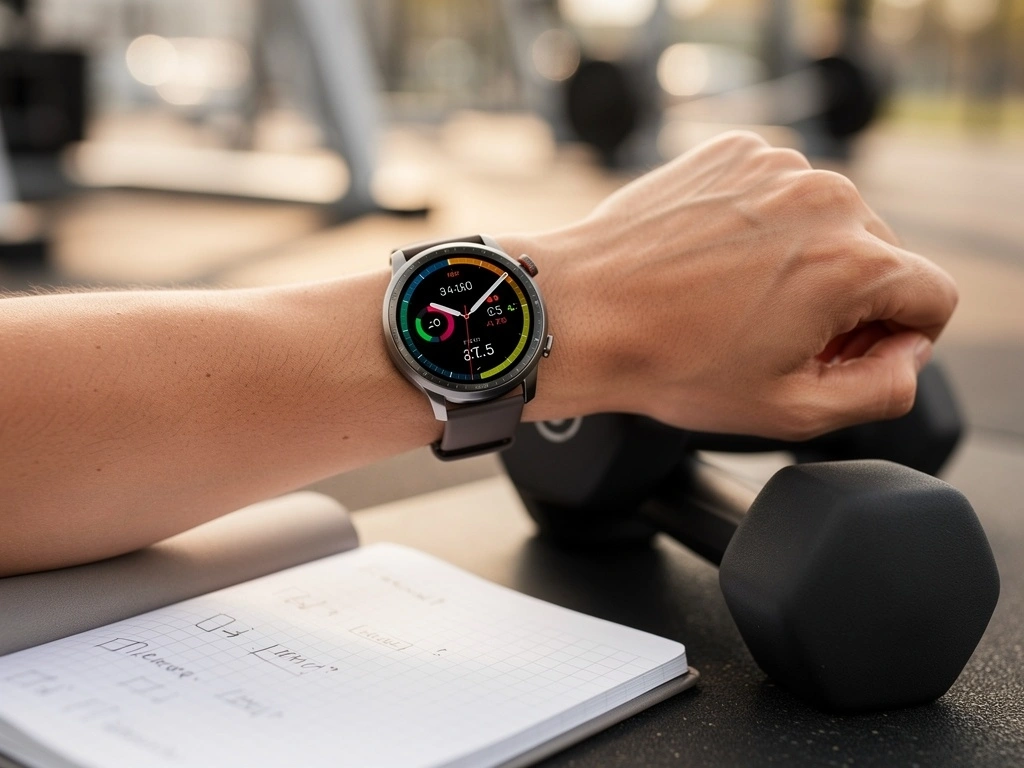
Samsung Health powers health tracking for millions of Galaxy device owners. With Guthly's integration via Health Connect, all that rich Samsung data — steps, sleep, heart rate, stress, body composition, and more — flows right into your Guthly dashboard.
If you wear a Galaxy Watch, this integration gets even better. SpO2, body composition from BIA, and continuous stress monitoring are all synced, giving Guthly's AI the full picture of your health to deliver smarter, more personalized insights.
Galaxy Watch users get the richest data — sleep stages, SpO2, stress, and body composition all sync to Guthly.
What Syncs
Steps & Distance
Daily step count and distance from your Galaxy phone or Galaxy Watch, synced automatically.
Sleep Tracking
Sleep stages, duration, blood oxygen during sleep, and snoring detection from Galaxy Watch.
Heart Rate
Continuous and on-demand heart rate readings, including resting heart rate trends over time.
Stress Levels
Samsung Health's stress score from HRV analysis flows into Guthly for wellness tracking.
Body Composition
Body fat percentage, skeletal muscle mass, BMI, and body water from Galaxy Watch's BIA sensor.
SpO2 & Oxygen
Blood oxygen saturation readings captured by Galaxy Watch for respiratory wellness insights.
Water Intake
Water intake logs from Samsung Health appear in Guthly to support hydration habit tracking.
Galaxy Watch Workouts
All workout types recorded on Galaxy Watch — runs, swims, cycling, and more — sync to Guthly.
How to Connect
Update Health Connect
Make sure Health Connect is installed and up to date on your Samsung device (Settings > Apps > Health Connect).
Open Guthly Integrations
In Guthly, go to Settings > Integrations and tap the Samsung Health card.
Authorize via Health Connect
Guthly will request access through Health Connect. Approve each data category you want to share.
Verify Galaxy Watch Sync
Ensure Samsung Health on your phone is syncing with your Galaxy Watch, then check that data appears in Guthly.
What You Can Do
Complete Galaxy Ecosystem View
Bring together Galaxy Watch, Galaxy Ring, and Samsung Health data into Guthly's unified dashboard alongside your habits and nutrition.
Stress-Aware Habit Coaching
Guthly's AI uses Samsung Health stress scores to suggest lighter habit loads on high-stress days and push you on low-stress ones.
Body Composition Tracking
Galaxy Watch BIA data combined with Guthly nutrition logs gives you a powerful picture of how diet affects body composition over time.
Auto-Complete Health Habits
Set water intake, step count, or sleep duration habits in Guthly that auto-complete based on Samsung Health data.
Pro Tips
Wear Your Watch to Bed
Galaxy Watch sleep tracking unlocks some of the richest data in this integration — sleep stages, blood oxygen, and snoring detection all feed into Guthly insights.
Check Health Connect Permissions
If data stops syncing, open Health Connect and verify that Samsung Health still has write permissions and Guthly still has read permissions.
Use Body Composition Weekly
Take a BIA reading on your Galaxy Watch once a week at the same time for consistent body composition trends in Guthly.
Sync After Workouts
Open Samsung Health after a Galaxy Watch workout to trigger a faster sync to Health Connect, which Guthly picks up on its next refresh.