Guthly + WHOOP: Sync Your Recovery & Strain Data
Connect WHOOP to Guthly and get your strain, recovery, and sleep data alongside your habits, workouts, and nutrition — all in one dashboard.
Guthly Team
Product Team
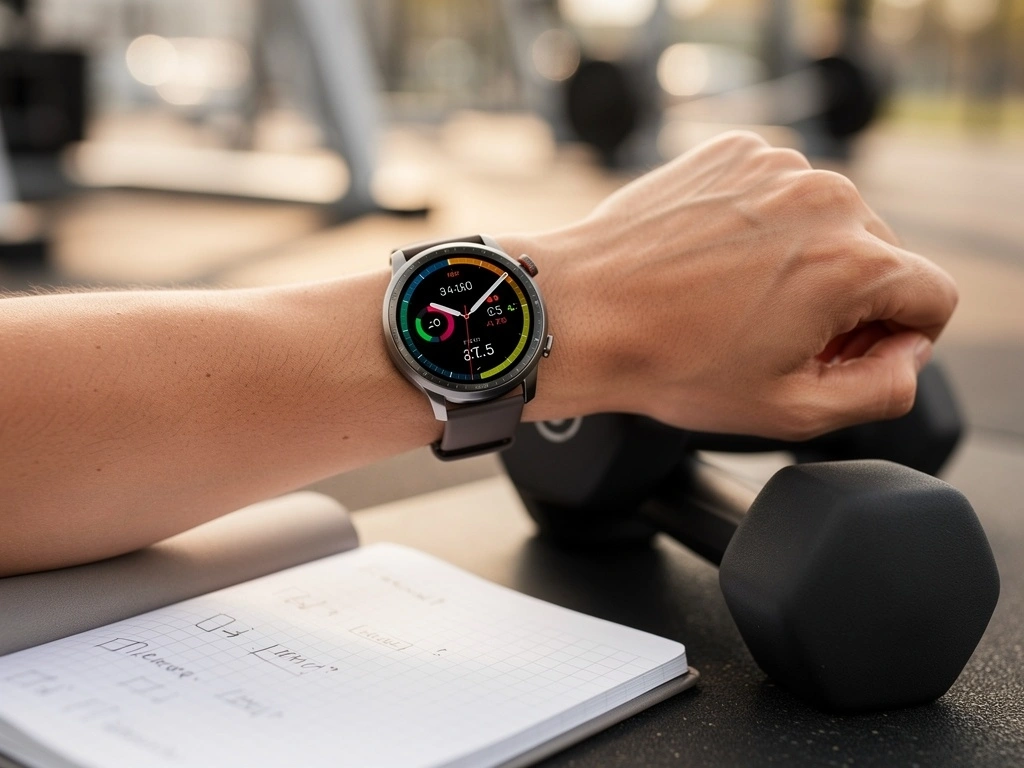
WHOOP is one of the most advanced wearable recovery platforms on the market. Its screenless band tracks strain, recovery, HRV, and sleep 24/7 — giving you deep insight into how your body is performing beneath the surface.
By connecting WHOOP to Guthly, you bring that biometric data together with your habits, workouts, nutrition, and wellness tracking. The result is a complete picture of both what you're doing and how your body is responding.
WHOOP tells you how recovered you are. Guthly tells you what you did to get there. Together, they close the loop.
What Syncs
Strain Score
Daily cardiovascular load from 0-21
Recovery Score
Morning readiness percentage based on HRV & sleep
HRV
Heart rate variability trends over time
Resting Heart Rate
Nightly resting heart rate measurements
Sleep Performance
Sleep efficiency and time in bed vs. asleep
Sleep Stages
Light, deep (SWS), and REM breakdowns
Respiratory Rate
Breaths per minute during sleep
Skin Temperature
Nightly skin temperature deviations
How to Connect
Open Guthly Settings
Navigate to Settings > Integrations in the Guthly app on iOS, Android, or web.
Select WHOOP
Tap the WHOOP card in the available integrations list to begin the connection process.
Authorize Access
You'll be redirected to WHOOP's login page. Sign in and grant Guthly permission to read your data.
Choose Your Data
Select which WHOOP metrics you want synced into Guthly. You can change this anytime.
Start Exploring
Your WHOOP data will begin syncing automatically. Historical data from the past 30 days imports within minutes.
What You Can Do
See how sleep affects workout performance
Guthly correlates your WHOOP sleep score with your logged workout volume and intensity. Spot the connection between a bad night and a weak training session.
Adjust training based on recovery
When your WHOOP recovery is in the red, Guthly can flag it before you start a heavy session. Train smarter by matching effort to readiness.
Track how nutrition impacts HRV
Log your meals in Guthly and watch how macro ratios, meal timing, and calorie intake correlate with next-morning HRV trends from WHOOP.
Connect habits to recovery trends
Does your meditation habit improve recovery? Does late-night screen time hurt sleep? Guthly links your habit streaks to WHOOP biometrics so you can find out.
Pro Tips
Sync daily, review weekly
Individual days can be noisy. The real insights come from weekly and monthly trends. Use Guthly's analytics dashboard to zoom out and spot patterns between your habits and WHOOP recovery.
Tag your workouts in both apps
WHOOP auto-detects strain, but Guthly captures the details (exercises, sets, reps). Having both perspectives on the same session gives you the complete picture.
Use recovery alerts before training
Enable Guthly notifications that include your morning WHOOP recovery score. A quick glance before you train helps you decide between pushing hard and taking it easy.
Experiment with one variable at a time
Want to know if creatine improves your HRV? Or if cold showers boost recovery? Track the habit in Guthly, watch the biometrics from WHOOP, and let the data speak.
Frequently Asked Questions
How often does WHOOP data sync with Guthly?
WHOOP data syncs automatically every few hours. You can also trigger a manual sync anytime from the Integrations settings. Morning recovery and sleep data are typically available in Guthly by the time you wake up.
Does Guthly send any data back to WHOOP?
No. The integration is read-only. Guthly pulls your WHOOP metrics in but never writes or modifies anything on the WHOOP side. Your WHOOP experience stays exactly the same.
Do I need a WHOOP subscription for this to work?
Yes. WHOOP requires an active membership to access your data via their API. Guthly connects to your existing WHOOP account, so you'll need both a WHOOP subscription and a Guthly account.
Can I disconnect WHOOP from Guthly later?
Absolutely. Go to Settings > Integrations > WHOOP and tap Disconnect. Your previously synced data stays in Guthly, but no new data will be pulled. You can also revoke access from the WHOOP app directly.
Which Guthly plan do I need for the WHOOP integration?
The WHOOP integration is available on all Guthly plans, including the free tier. You get the full sync experience regardless of your plan, though premium users get access to advanced cross-platform analytics.