Guthly + Garmin: Sync Your Training & Health Metrics
Connect your Garmin watch to Guthly and bring your training load, body battery, sleep, and activity data into one unified dashboard.
Guthly Team
Product Team

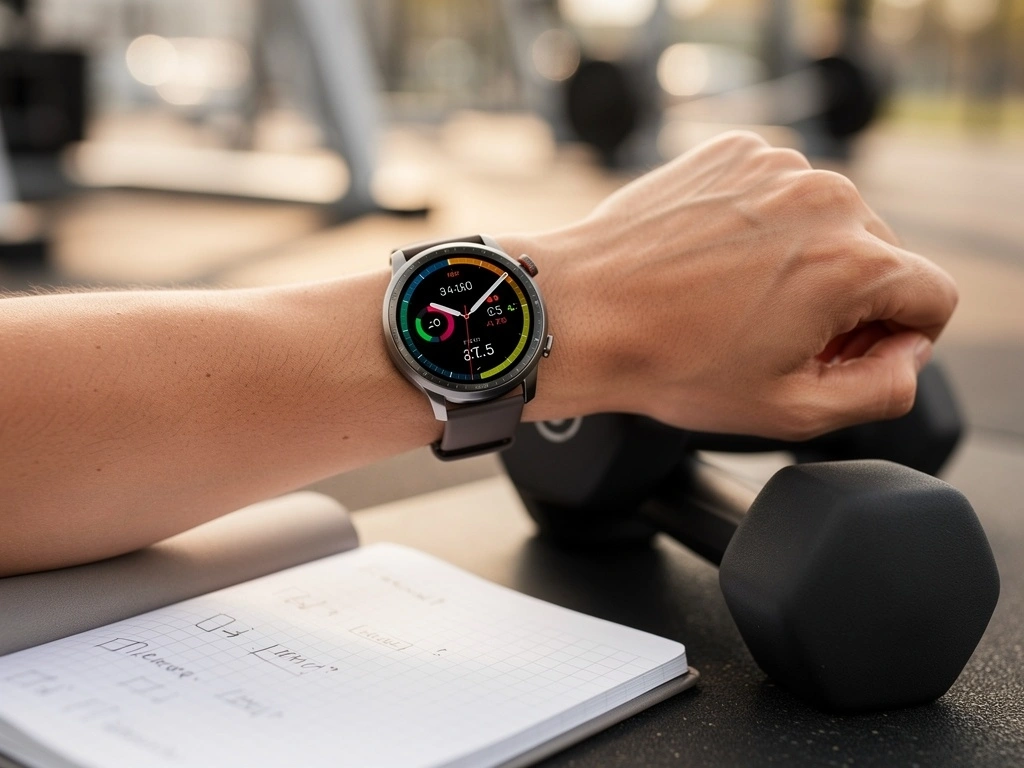
Garmin makes some of the most trusted GPS sports watches and fitness trackers in the world — loved by runners, cyclists, triathletes, and outdoor enthusiasts for their accuracy, durability, and battery life.
By connecting your Garmin device to Guthly, you bring all that rich training and biometric data into a platform that also tracks your habits, nutrition, and wellness goals. It's the missing piece that turns raw workout data into actionable lifestyle insights.
Whether you're training for a marathon or just trying to move more consistently, the Garmin + Guthly combo gives you the complete picture of your health and performance.
What Syncs
All the Garmin data that flows into Guthly automatically.
Running Activities
Distance, pace, cadence, and route data from every run
Cycling Activities
Ride distance, speed, elevation, and power data
Swimming Activities
Laps, stroke type, SWOLF score, and pool/open water data
Training Load
Weekly training load and intensity distribution
Body Battery
Real-time energy levels throughout the day
Stress Level
Continuous stress monitoring based on HRV data
Sleep Data
Sleep stages, duration, SpO2 during sleep, and sleep score
Heart Rate
24/7 heart rate monitoring and resting heart rate trends
VO2 Max
Estimated VO2 max for running and cycling
Respiration Rate
Breathing rate data throughout day and night
Daily Steps
Step count, distance walked, and active minutes
How to Connect
Get set up in under two minutes.
Open Guthly Settings
Navigate to Settings > Integrations in your Guthly app and find the Garmin card.
Connect Your Garmin Account
Tap "Connect Garmin" and sign in with your Garmin Connect credentials. Authorize Guthly to access your data.
Select Your Data Sources
Choose which Garmin data you want to sync: activities, sleep, heart rate, body battery, stress, and more.
Start Syncing
Your data syncs automatically going forward. Guthly also imports your recent history so you can see trends right away.
What You Can Do
Powerful use cases unlocked by combining Garmin with Guthly.
Correlate Training Load with Habits
See how your daily habits — sleep, nutrition, mindfulness — affect your Garmin training load and recovery. Guthly's AI spots patterns you'd never notice on your own.
Build Smarter Recovery Routines
Use your Body Battery and stress data to trigger recovery habits automatically. Low Body Battery? Guthly reminds you to prioritize sleep, hydration, and rest days.
Track the Full Picture
Garmin handles your workouts and biometrics. Guthly handles your habits, nutrition, and wellness goals. Together, every aspect of your health is covered in one place.
AI-Powered Training Insights
Guthly's AI analyzes your Garmin workout data alongside your nutrition and habit logs to provide personalized recommendations for performance improvement.
Long-Term Trend Analysis
Track your VO2 max progression, resting heart rate trends, and training load over months — all overlaid with your habit consistency and lifestyle data.
Pro Tips
Get the most out of your Garmin + Guthly setup.
Enable All-Day Stress Tracking
Make sure stress tracking is enabled on your Garmin device. This gives Guthly the richest dataset for correlating your daily habits with stress patterns.
Log Nutrition After Garmin Workouts
When Guthly receives a workout from Garmin, log your post-workout meal. Over time, the AI will help you optimize your nutrition timing around training.
Wear Your Garmin During Sleep
Sleep data is one of the most valuable syncs. Guthly uses your Garmin sleep data to help you build better evening routines and track sleep habit impact.
Review Your Weekly Summary
Check Guthly's weekly summary that combines your Garmin training data with your habit streaks and nutrition averages for a complete performance review.
Frequently Asked Questions
Which Garmin devices are compatible with Guthly?
Guthly works with any Garmin device that syncs to Garmin Connect, including Forerunner, Fenix, Venu, Vivoactive, Instinct, and Edge series. If your device syncs to Garmin Connect, it works with Guthly.
How often does Garmin data sync to Guthly?
Data syncs automatically whenever your Garmin device syncs to Garmin Connect. Typically this happens every few minutes when your phone is nearby, or whenever you manually sync. Guthly picks up the new data within minutes.
Will Guthly sync my past Garmin data?
Yes. When you first connect, Guthly imports up to 90 days of historical data from Garmin Connect so you can immediately see trends and get meaningful AI insights.
Does Guthly write any data back to Garmin Connect?
Currently, the Garmin integration is read-only. Guthly pulls your Garmin data for analysis but does not write data back to Garmin Connect. This keeps your Garmin data clean and untouched.
Can I use Guthly with Garmin and Apple Health at the same time?
Absolutely. Guthly is smart about deduplication. If the same workout appears in both Garmin and Apple Health, Guthly recognizes it and avoids double-counting. You can connect as many sources as you like.